Architect • Engineer
UltraConvert Tools
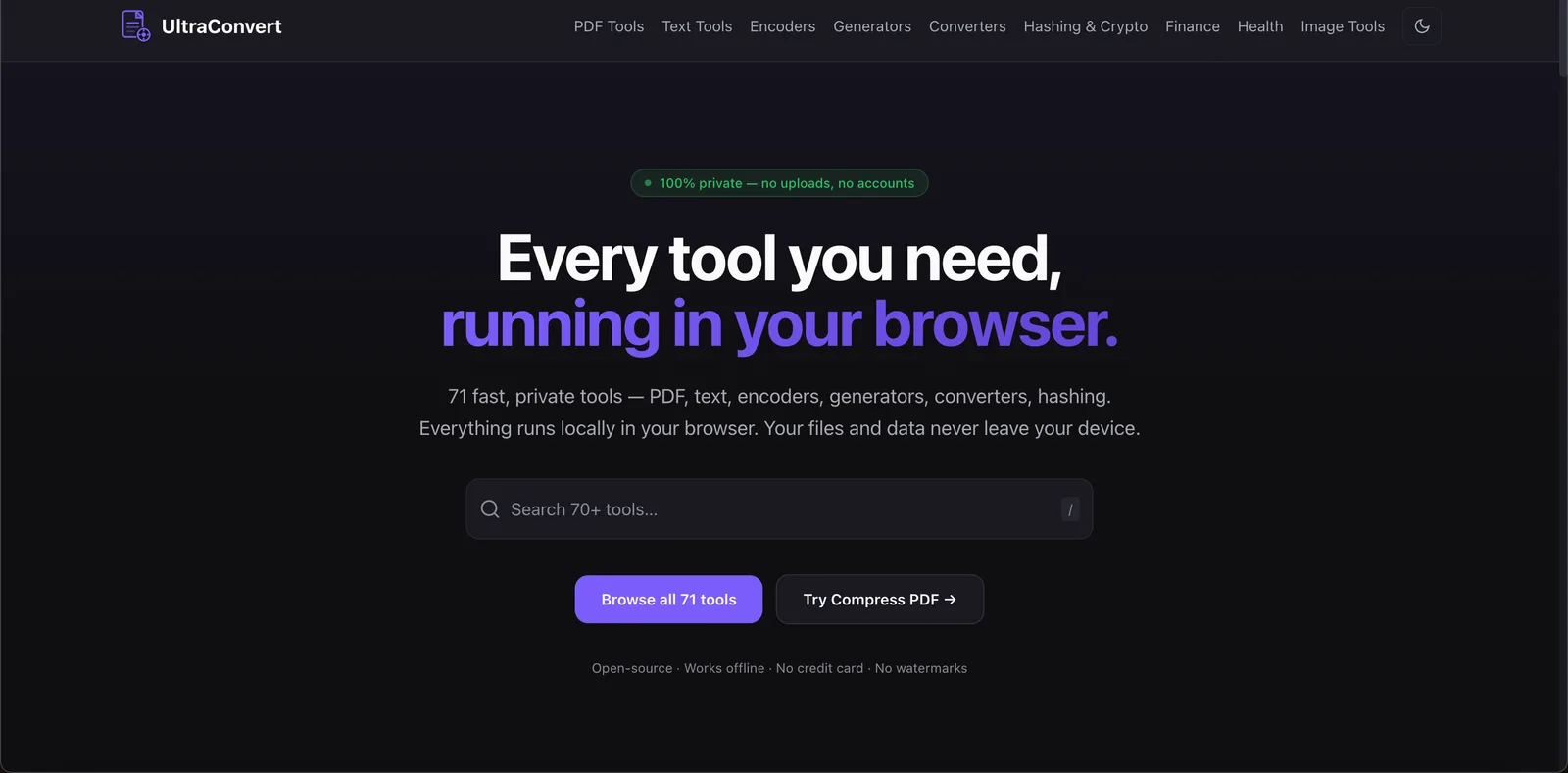
71 privacy-first in-browser tools for PDF, image, text, encoding, and conversion — zero uploads, WebAssembly and WebGPU on-device.
Tech stack
Problem
Developers and everyday users constantly need small utilities — compress a PDF, convert an image, encode Base64, OCR a scan — but most online tools upload files to unknown servers. That creates privacy risk, wait queues, file-size limits, and inconsistent UX. A trustworthy toolkit should never require trusting a stranger’s backend with sensitive documents.
Solution
UltraConvert is a static, zero-processing-server app with 71 tools that run entirely in the browser. Files never leave the device. Heavy work happens in Web Workers via WebAssembly (and WebGPU where the device can handle it). After the first visit, the app is cached for offline use — no accounts, no watermarks, no credit card.
Tool categories
- PDF Tools (29) — compress, merge, split, redact, sign, OCR extract, convert to Word/Excel/CSV, repair, and more
- Image Tools (6) — compress, convert, resize, crop, favicon pack, EXIF clean
- Text Tools (5) — case convert, diff, regex, cleaner, word count
- Converters (11) — JSON/YAML/XML, CSV↔JSON, color, units, timestamps
- Encoders (4) — Base64, URL, HTML entities, binary
- Generators (4) — passwords, UUIDs, QR codes, lorem ipsum
- Hashing & Crypto (4) — MD5/SHA, AES-GCM, JWT decode, Caesar/ROT13
- Finance & Health (8) — GST/VAT, income tax, compound interest, BMI, calories, and more
Processing architecture
All compute stays on-device:
- Web Workers isolate MuPDF, codecs, and OCR so the UI stays responsive
- OPFS / IndexedDB hold large files and undo buffers locally — never uploaded
- Static CDN delivery ships HTML, JS, and WASM assets only; there is no server path that can receive user files
- Offline-capable after first load via app caching
WASM engine map
| Domain | Engines |
|---|---|
| PDF render, extract, repair, rasterize | MuPDF (WASM) |
| PDF forms, merge, split, annotate | pdf-lib |
| Image compress / convert | MozJPEG, OxiPNG, libwebp, libavif (WASM, Workers) |
| OCR baseline (scanned PDFs) | Tesseract LSTM (WASM) |
| Text, encoders, generators, crypto | Pure JS / Web Crypto |
Device-aware performance
At startup the app probes device capability and picks an engine path:
| Tier | When | Engine path |
|---|---|---|
webgpu-full |
GPU adapter, shader compile, and throughput checks pass | Neural OCR + GPU page cleanup (grayscale, adaptive threshold, deskew) |
webgpu-limited |
GPU present but constrained (slow compile, low GFLOPS, buffer limits) | Partial GPU or prefer WASM for heavy ops |
wasm-simd |
SIMD available; WebGPU unavailable or skipped | Tesseract LSTM, MuPDF, image codecs |
wasm-basic |
WASM without SIMD | Lighter PDF / text / encoder paths |
unsupported |
No WASM | Graceful “browser not supported” UX |
Scanned PDF tools (extract text, PDF→CSV/Excel, and similar) automatically OCR image-only pages: capable devices use WebGPU-accelerated recognition; modest devices fall back to on-device Tesseract.
Architecture notes
Privacy is structural, not a policy checkbox: there is no processing backend to exfiltrate to. Scale is measured in device RAM and CPU/GPU, not request handlers — tested with files up to ~500 MB and 1,000+ pages on a typical laptop. Supported browsers include Chrome, Edge, Firefox, and Safari 16.4+ (WebAssembly, OPFS, Web Workers).